Adding Shares

First go to you file explorer, add a folder for each share you need.
then follow these steps:
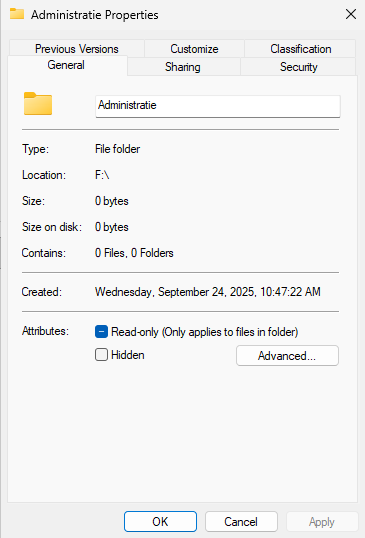
Open the properties of the folder.
Then click on Sharing
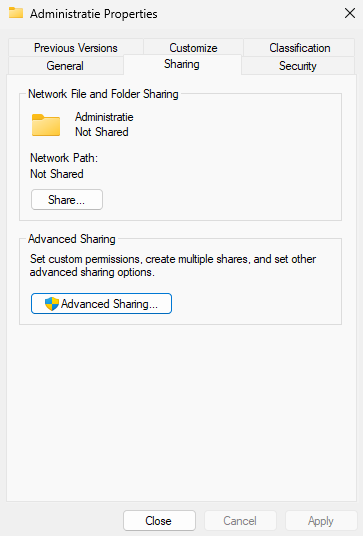
Then click on advanced sharing. and select the button that says "Share this folder" Click on apply and repeat this for all your shares.
Adding security.
Go to your server manager.
Click on "File and storage services"
Click on "Shares"
Open the properties of the share.
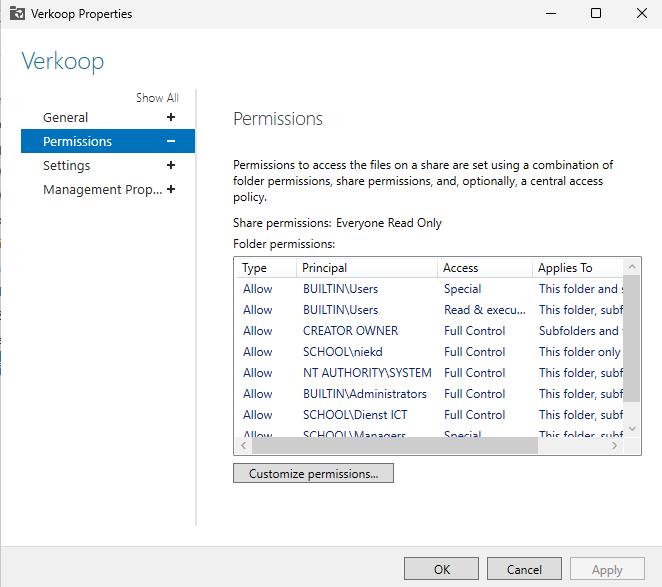
Click on customize permissions
Click on Add
Click on select a principal
add the groups that you want to be able to access the share.
And select the preferred permissions.